
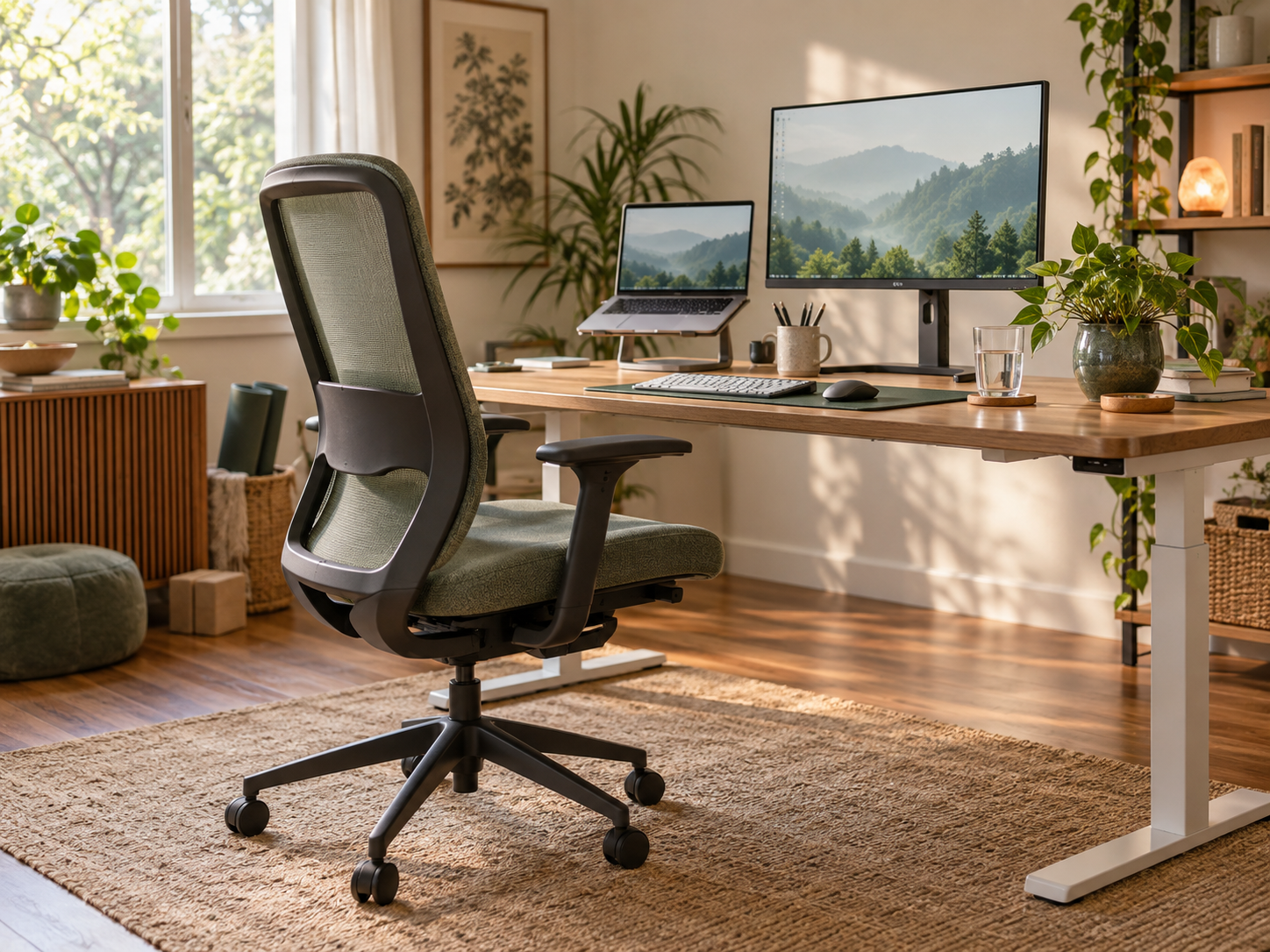

A comfortable workstation can reduce unnecessary strain, but no single posture is perfect for an entire day. Good setup, task variety and regular movement work together.
Set up around the work you do
Adjust the chair so your feet are supported and your shoulders can relax. Keep the keyboard and mouse close enough that your elbows stay near your sides and your wrists remain comfortable. Position the screen directly in front of you, with the top of the display around eye level, then adjust distance and text size so you are not leaning forward.
If you use a laptop for long periods, a stand with a separate keyboard and mouse can make the screen easier to position. Arrange frequently used items within easy reach and reduce glare from windows or strong lights.
Change position and task
Even a well-adjusted chair cannot remove the effects of staying still. WorkSafe Victoria recommends changes in posture and regular breaks; frequent short pauses are generally more useful than waiting for one long break. Stand for a phone call, collect water, alternate keyboard work with another task, or take a brief walk.
- Let your eyes refocus on something farther away at regular intervals.
- Keep the screen clean and blink often if your eyes feel dry.
- Use reminders until changing position becomes routine.
- Keep drink and meal breaks away from the desk when possible.
Respond early to discomfort
Persistent neck, back, wrist or eye symptoms deserve attention. Review the workstation and workload with your employer, health and safety representative or an ergonomics professional. Seek health advice if pain, numbness, weakness, headaches or visual problems continue.
General information only. Workplace needs vary, and this article does not replace an individual assessment or medical advice.